














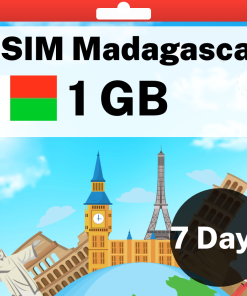
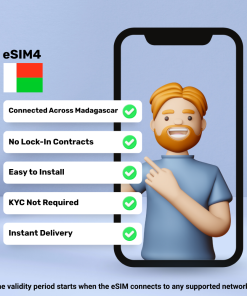
Madagascar
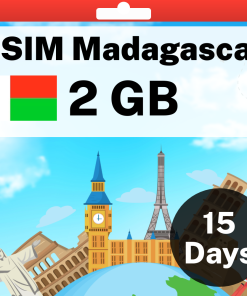
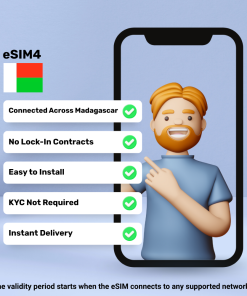
Madagascar
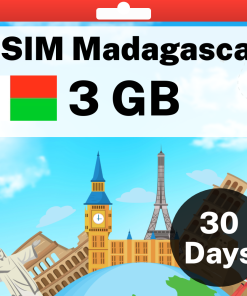
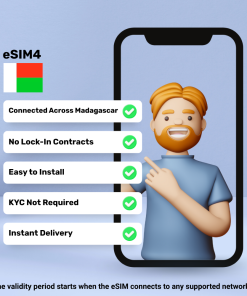
Madagascar
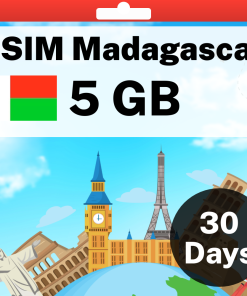
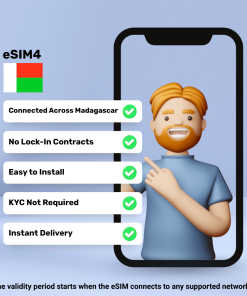
Madagascar
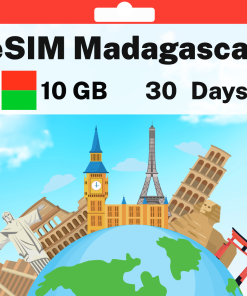
Madagascar
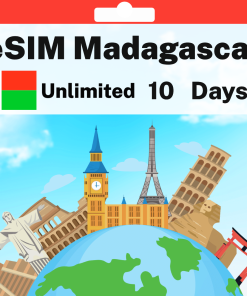
Madagascar
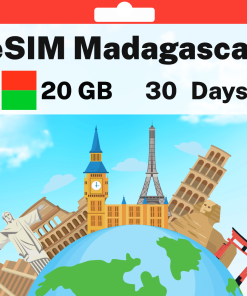
Madagascar
How Do eSIM Plans Work?
Step 1: Purchase Your eSIM Data Pack
You'll receive an email with your eSIM after purchase, no matter where you are in the world.
Step 2: Receive Activation Details
You'll get a QR code or manual installation instructions via email and WhatsApp to activate your eSIM.
Step 3: Install And Activate Your New eSIM
Set up your eSIM before your trip, and once you reach your destination, enable the data plan to start using the internet.
Is My Mobile Phone eSIM Compatible?
- iPhone XR, XS, XS Max
- iPhone 11, 11 Pro, 11 Pro Max
- iPhone SE (2nd & 3rd gen)
- iPhone 12, Mini, Pro, Pro Max
- iPhone 13, Mini, Pro, Pro Max
- iPhone 14, Plus, Pro, Pro Max
- iPhone 15, Plus, Pro, Pro Max
- iPhone 16, Plus, Pro, Pro Max, 16e
- iPhone 17, 17 Pro, 17 Pro Max, 17e
- iPhone Air (eSIM only, no SIM tray)
- iPhone 18 Pro, 18 Pro Max
- iPhone Duo (foldable, eSIM only, no SIM tray)
- iPad Pro 11″ (2018+) & 12.9″ (2018+)
- iPad Air (2019+)
- iPad (2019+)
- iPad Mini (2019+)
- iPad 10th Gen (2022)
*Two eSIMs can be active at the same time on iPhone 13 and later. *iPhones from mainland China do not support eSIM. *Hong Kong/Macao models (except 13 mini, 12 mini, SE 2020, XS) lack eSIM. *US models of iPhone 14 and later do not have a physical SIM tray. *iPhone 18 Pro and 18 Pro Max are eSIM only in the US, Canada, Japan, Mexico, Guam, Bahrain, Kuwait, Oman, Qatar, Saudi Arabia and the UAE. *iPhone Air and iPhone Duo have no SIM tray in any country. They run on eSIM only.
Explore Madagascar

Explore Madagascar with Our Travel eSIMs
Embark on an unforgettable journey through Madagascar with eSIM4.com's tailored Travel eSIM Data Plan. From the vibrant capital of Antananarivo to the coastal city of Toamasina and the tourist hub of Nosy Be, stay seamlessly connected throughout your Malagasy adventures with reliable mobile data that keeps you in touch with loved ones and essential travel information.
Effortless Connectivity for Global Travelers
-
Simplified Travel: No physical SIM card needed—just scan a QR code or click an email link to set up your connection before departure
-
Cost-Effective Data Plans: Enjoy affordable rates specifically designed for Madagascar, avoiding excessive international roaming fees
-
Instant Activation: Experience automatic network connection immediately upon arrival in Madagascar—no configuration required
-
Broad Compatibility: Works with all modern eSIM-enabled smartphones including recent iPhone, Samsung, Google Pixel, and other devices
-
24/7 Support: Access dedicated customer assistance anytime during your Madagascar journey, regardless of time zones
Tailor-Made for Your Madagascar Adventure
Our Madagascar eSIM is designed to enhance your travel experience in major cities and tourist destinations. The optional eSIM4.com mobile app lets you monitor data usage, purchase virtual phone numbers, and access international calls and messaging—perfect for navigating Antananarivo's city center or researching the best local restaurants serving authentic Malagasy cuisine.
Stay Connected, Stay Informed
With reliable connectivity in Madagascar's urban centers, access real-time travel tips, restaurant recommendations, and navigation directions. Whether you're exploring the Avenue of the Baobabs near Morondava or visiting the Royal Hill of Ambohimanga, your eSIM keeps essential information at your fingertips.
Eco-Friendly and Convenient
Choose the sustainable option for your Madagascar travels. Our digital eSIMs eliminate plastic waste from traditional SIM cards while saving you the hassle of finding a local mobile shop upon arrival—an eco-conscious choice that aligns with Madagascar's unique biodiversity.
Ready to Explore Madagascar?
Purchase your Madagascar eSIM today and receive it instantly via email. Activate before departure and arrive with connectivity already established. Remember to check current travel advisories before your trip to Madagascar for the latest information. With eSIM4.com offering coverage in over 200 countries worldwide, your global connectivity needs are covered for this journey and beyond.
Wishing you a memorable journey through the enchanting destinations of Madagascar, with the peace of mind that comes from staying connected with eSIM4.com.
Frequently Asked Questions
An eSIM is a digital SIM built into your phone. Instead of swapping a plastic card, you scan a QR code, or tap one link on a recent iPhone, and the plan installs in about a minute alongside your existing SIM. Your home number stays exactly as it is, and you can switch between plans in Settings whenever you like.
You pay once, from a few dollars, instead of a daily roaming charge, and there is no airport kiosk, no ID check and no card to swap. Buy it at home, install it on Wi-Fi, and you land with maps, ride apps and WhatsApp already working in the arrivals hall. If plans change, every eSIM tops up online in about a minute.
As a guide: 1 GB covers a week of maps, messaging and a few photos a day; 5 GB over a month suits social media and daily browsing; 20 GB or unlimited suits streaming, video calls and working on the road. If in doubt, start small: every plan tops up online in about a minute, so you never pay for data you will not use.
Yes. Our regional plans cover many destinations on one eSIM, so a multi-stop trip needs nothing new at each border: Europe, Asia, Latin America, North America, Africa, Oceania and a World eSIM for trips that cross regions. The countries included are listed on each regional plan page, and you can combine a regional plan with a country plan for the best value.
No. Most people are done in under two minutes: scan the QR code from the activation email, or on iPhone with iOS 17.4 or later simply tap the Direct Installation link in the same email and the eSIM installs itself. Step-by-step guides are here for iPhone guide and Android guide, our support team is on hand, and a refund guarantee covers you if the eSIM cannot be installed on your device.
Most phones from the last five years support eSIM, including every iPhone from the XR onwards and recent Samsung Galaxy and Google Pixel models. Check your model in our compatibility guide before you buy. If your phone was bought on a carrier contract it may need to be unlocked first, which your carrier can do.
Open the activation email, then on iPhone go to Settings, Cellular, Add eSIM and scan the QR code, or tap the Direct Installation link on iOS 17.4 or later. On Android go to Settings, Connections, SIM Manager and scan. Most phones can scan the QR code straight from a screenshot in your photo gallery, so no second phone is needed. Once the eSIM appears in your cellular settings it is installed and ready. Full walkthroughs: iPhone guide and Android guide.
Install it any time before you travel, on Wi-Fi at home: the eSIM does not expire while it sits on your phone. When you land, switch it on and enable data roaming, and your days start counting from that first connection abroad, not from the day you bought it. You can also install on arrival, as long as you have Wi-Fi to download the eSIM.
Yes. Your phone runs as a dual SIM, with your home SIM and the travel eSIM side by side, and most phones store several eSIMs at once with one active for data at a time. Keep a plan for each country on your trip and switch between them in Settings as you cross borders.
Yes. Tethering is included on every plan, so your laptop or a second phone can share the connection whenever you need it.
Your connection pauses rather than charging you more. Top up online in about a minute using the link in your activation email, or in the Yabb app, and you are back online with the same eSIM.
The activation email includes a link to a live usage page for your eSIM, so you can see exactly how much data is left at any time and top up before it runs out.
Top local carriers at up to 5G speeds. The network for this destination is shown above the plans on this page, and the eSIM connects to it automatically when you land.
Choose a 90-day plan where one is offered, or top up your existing plan as you go. Either way the eSIM stays on your phone for the whole trip.
Travel eSIMs are data only, which is exactly why there is no ID or address check to buy one. Everything you normally use runs on the data: WhatsApp, FaceTime, iMessage, Uber, maps and your bank app. If you want a real phone number for calls and SMS abroad, our Yabb app gives you calls, texts and a temporary local number without roaming charges. In a few countries we also sell plans that include a local number, minutes and texts, shown in the plan name; those minutes and texts are for local calls and local texts within that country only.
Yes. WhatsApp, iMessage and Signal stay on your existing number with every chat intact; there is nothing to re-register. The eSIM simply supplies the data they run on.
Yes, with your home SIM left in the phone. The eSIM carries all your data, and most carriers deliver incoming text messages to your home number abroad at no charge, so one-time codes from your bank, Google, Airbnb and the rest arrive exactly as they do at home. Keep the home SIM switched on with data roaming turned off, and only the eSIM uses data. Two things to know before you fly: making a call or sending a text from the home SIM is what triggers roaming charges on most carriers, so leave calling and texting to WhatsApp and the like, and a few carriers do charge for incoming texts or block them abroad, so a quick check with your carrier before you leave settles it.